
Calhoun County Traffic Court Records
Traffic and ordinance cases in Calhoun County belong to the 10th District Court, known in MiCOURT as D10. That single court handles civil infractions, traffic misdemeanors, and ordinance matters referred for prosecution. Its traffic docket can show a citation or case number, the charge, the response entered, hearing settings, the judgment, fine or cost amounts, and any payment event. The District Court clerk keeps the record even when a city officer wrote the ticket or a city administration started the process.
A civil infraction covers conduct like speeding, an illegal turn, or running a red light. Misdemeanor traffic charges are different animals: OWI, driving while suspended, improper plates. Those follow a criminal process. City ordinance cases reach D10 too. The court's traffic and ordinance page lays out these local response paths and definitions.
Calhoun D10 Traffic Court
For a direct case lookup, use the official MiCOURT D10 Case Search rather than a generic city court search. MiCOURT is free and public, with some case-type exclusions and informational notices. It returns a traffic case and its public Register of Actions. The separate GovPros channel handles eligible payments only. It is not a substitute for the court history.
D10 sits in the Calhoun County Justice Center, 161 E. Michigan Avenue, Battle Creek. The general District Court phone is 269-969-6666. Call or visit that clerk for a copy request or a fuller case history. The clerk can also clarify a date the online result leaves unclear. Calhoun County runs no separate justice-of-the-peace or municipal trial court.
Note: a city name printed on a ticket does not set the court code. That holds once the matter is filed in the Calhoun County District Court.
Looking Up a Traffic Ticket
Use the exact court-issued citation or case number whenever you have it. No number? MiCOURT D10 also runs a name search. Enter a last name or business name. Then narrow it with a first name, middle name, or birth year. The last or business name needs at least two characters, and the public interface rejects wildcards. Overly tight filters can cause an apparent no-result. Start with the correct court. Add a year, type, status, category, or date filter only when you know it.
- Read the ticket for the appearance date, citation details, and any case number, then identify D10 as the Calhoun County traffic court route.
- Open the D10 MiCOURT route and search by the exact case or petition number, or use the name search when only the party name is known.
- Open the matching public case history and record the court, case number, listed event, response deadline, and any future setting.
- Use CourtDisplay or the District daily schedule to compare the date, time, room, and case number when a hearing is listed.
- If the citation is not yet posted, wait the stated processing period, call Traffic Division at 269-969-6692 with the ticket details, or ask at the D10 clerk counter. For a mailed or in-person response, follow the ticket and official court instructions.
That statewide MiCOURT layer is the public search for this D10 case. When a citation has not appeared online, or the record needs explaining, the in-person clerk counter and the Traffic Division phone are the practical Calhoun County backups.
Calhoun Traffic Citation Search
The D10 search fields explain why an exact number helps but is not required. Case-number search is built for the number the court supplies. Name search takes a last or business name. Other details then narrow it. A payment page is not a case-search field. It processes an eligible transaction rather than returning the court's Register of Actions.
| Portal field | Type | Required | Calhoun traffic use |
|---|---|---|---|
| Last Name or Business | Text | Yes for name search | Minimum two characters; no wildcard. |
| First, Middle, Birth Year | Optional text or number | No | Use only to narrow a common-name D10 result. |
| Case or Petition Number | Text | Yes for number search | Enter the exact court-issued number; no wildcard. |
| Case Year and Type | Optional filter | No | Use when known from the ticket or court record. |
| Status, Category, Date | Optional filter | No | Helpful only when it narrows an already known D10 search. |
MiCOURT examples show identifiers mixing a year, sequence, and case type, such as 1818003SC or 000001073. Treat those as interface examples only. They are not a complete Calhoun County citation code. Copy the number printed on the ticket or shown in the D10 result.
How to Find Your Traffic Court Date
The appearance date on the citation is a starting point, nothing more. Confirm the current setting through D10. Open the MiCOURT case history. Find the newest hearing, response, continuance, or order. Then check the official CourtDisplay daily calendar or the District daily schedule page to compare court or judge, date, time, room, and case number. If the two views disagree or the date is near, call the court with the case number in hand.
| Citation or case number | Use the exact ticket or D10 case identifier, not a reconstructed format. |
|---|---|
| Court | 10th District Court, D10, is the Calhoun County traffic and ordinance court route. |
| Date and time | Read the latest setting in the Register of Actions and compare it with the selected daily calendar row. |
| Room | CourtDisplay publishes Room when the selected schedule provides it. |
| Status or event | A hearing, response, judgment, or reset entry needs the surrounding case history to be understood. |
A past calendar row can linger after a reset. The newest event or order is the better guide, though confirming with D10 remains the prudent step before an imminent Calhoun County court date.
Calhoun Traffic Case Types
A civil infraction and a misdemeanor traffic case are different kinds of court matters. Civil infractions follow the responsibility process the District Court describes. A driver may admit responsibility, admit with explanation, or deny responsibility. A traffic misdemeanor takes the criminal route. A not-guilty response should follow the ticket and court instructions. The D10 docket holds both, but the event history and response choices differ.
- Admit responsibility
- A civil-infraction response that accepts responsibility and proceeds under the ticket and court instructions.
- Admit with explanation
- A civil-infraction response asking that an explanation be considered; it is not a request to dismiss or reduce the charge without a hearing.
- Deny responsibility
- A civil-infraction response that leads to a scheduled hearing under the court process.
- Traffic misdemeanor
- A criminal traffic charge that follows the applicable criminal court response and hearing process.
Read the court record for the actual response, setting, and later judgment. The category alone never establishes the outcome.
Pay or Contest a Ticket
That appearance date printed on the ticket sets your clock. Answer before it passes. For a civil infraction that qualifies, you can admit responsibility and pay in person, by mail, or through whatever route the court permits. An admit-with-explanation option exists only for civil infractions. But Calhoun County cautions that no judge or magistrate will toss out or trim the charge on an explanation alone without a hearing.
Deny the charge, or plead not guilty. You then move into the hearing track laid out in the ticket and the court's own instructions.
| Response | What the Calhoun court process does | Where to act |
|---|---|---|
| Admit responsibility and pay | Use the ticket option and submit payment by the allowed channel. The court enters the matter under its process. | In person, by mail, or eligible online payment. |
| Admit with explanation | Available for civil infractions. Send the signed explanation; the court sends its notice after review. | Follow the ticket and District Court instructions. |
| Deny responsibility or plead not guilty | Use the listed response route and attend the court hearing that is set. | Follow the ticket back and official court instructions. |
Respond before the printed appearance date. The county warns that failure to answer can lead to a suspension of Michigan driving privileges, with notice to a home state where applicable. Contact the court promptly if a response or court date has been missed.
Choosing the explanation route? Calhoun County says payment comes due roughly 14 days after the court mails its notice. Whatever the current ticket and any later court order say controls, so read those dates closely.
Calhoun GovPros Payment Window
Calhoun County sets its own timing for online payment. The official instructions tell drivers to allow four business days after getting the ticket. Once the violation shows up on the motor-vehicle violation fee list, the window for paying online runs from four through ten business days. Enter location code 1843 on the GovPros District Court payment portal. Remember what a payment is not: it is not a contest filing. It is also not a way to search your case history.
The county's online-payment instructions walk through the processing timing. They also cover that location code and the traffic contact path.
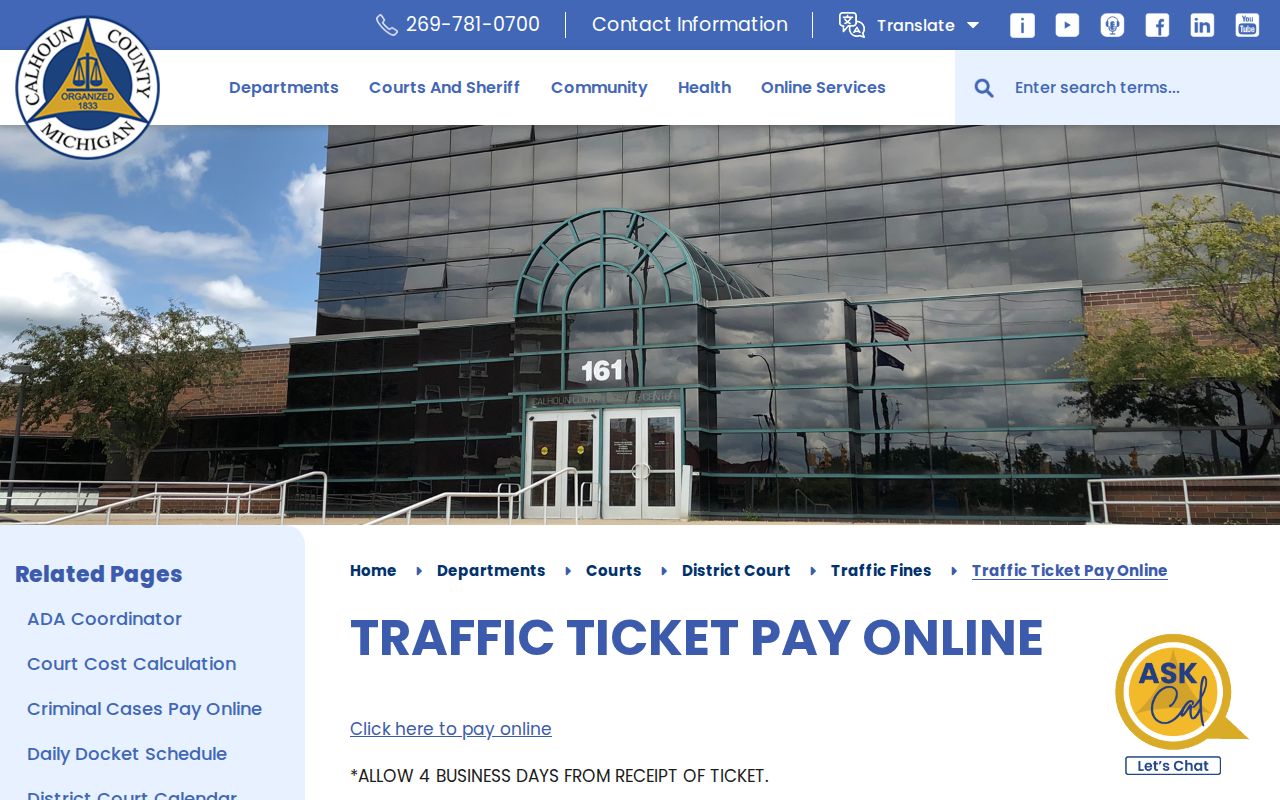
The county page explains why a brand-new ticket cannot always be paid online right away. It also shows that a case search is a separate errand. The official GovPros payment entry page is the processor Calhoun County names for this eligible payment route.
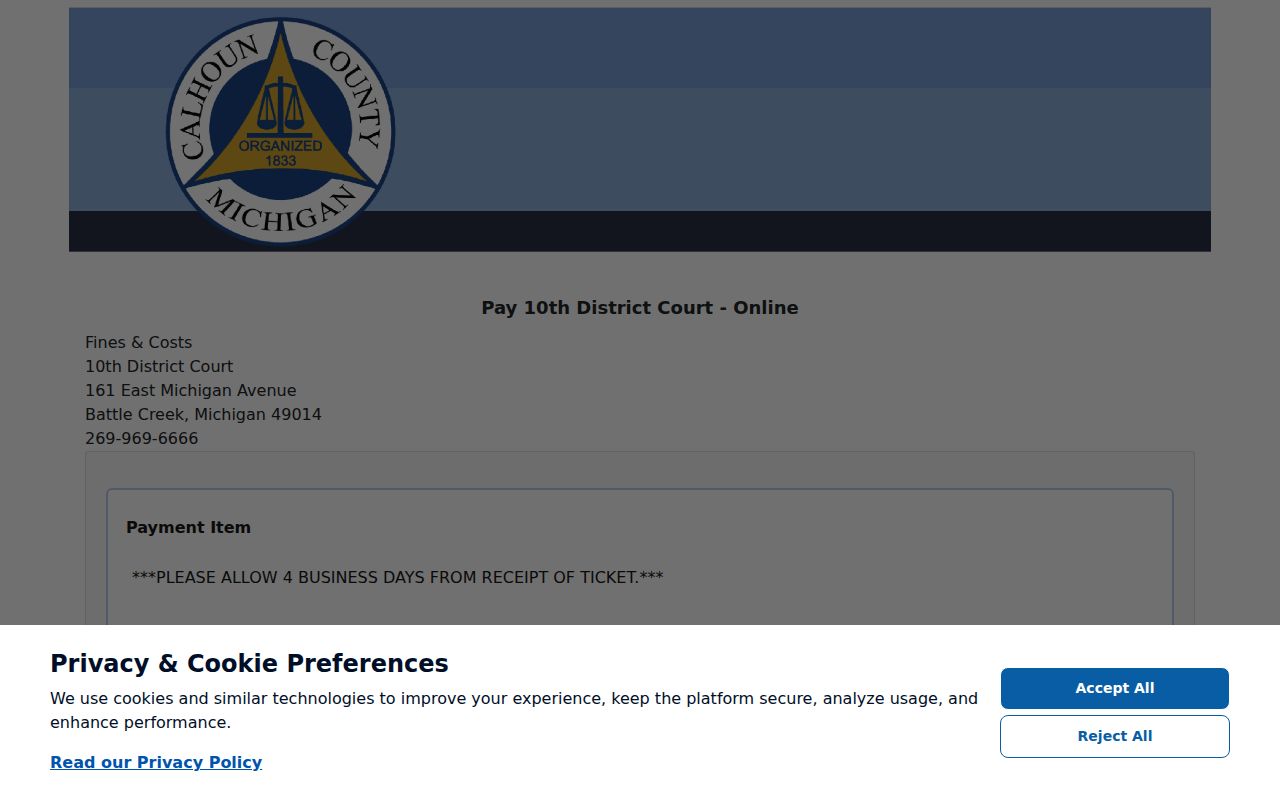
Check your receipt from the processor. The court does not see it until the next business day, and the county instructions say wrong payments get refused. Save that confirmation.
Calhoun Traffic Division Help
Once ten business days pass, stop guessing. Or, if your listed violation never shows up as payable online, stop guessing too. Call the Calhoun County Traffic Division at 269-969-6692. Before you dial, gather the defendant name exactly as written on the ticket, the amount due, the case number, the charge or violation, and the date of birth. The court's broader line for general court and clerk information is the D10 phone, 269-969-6666.
An out-of-state cash bond, license, or bond-card matter carries its own local instruction: contact the court within 14 days after receiving the ticket. Miss that, the county warns, and you may face added costs and bond forfeiture. Full payment returns the bond card or license to the address the court has on file. So report any address change to the court promptly.
These phone and counter routes are the documented fallback when a Calhoun County ticket stays offline. If MiCOURT still shows no result after the processing period, call the clerk. It does not mean the citation vanished or was dismissed.
Traffic Court Record vs Driving Record
Two different records, two different keepers. The Calhoun County D10 court record lives with the 10th District Court Clerk, and it covers the citation, the court case number, the charge, your response, the hearing, the judgment, any fine or cost, and the payment. The Michigan Secretary of State keeps the driving record instead, meaning license status, points, and state sanctions. A GovPros payment confirmation proves neither one; it is not a certified court docket and not the driving record.
| Record | Custodian | What it covers |
|---|---|---|
| Calhoun traffic court record | 10th District Court Clerk | Citation case, response, hearing, judgment, court costs, and payment events. |
| Michigan driving record | Michigan Secretary of State | License status and state-administered record items. |
Who assigns the points? Not the officer. Not the judge. Calhoun County states plainly that the Secretary of State sets points under law. The D10 court file explains the case, but it cannot stand in for the state agency's separate record.
Copies and Fees
Want a Calhoun County traffic court record? Ask D10 for the specific document or case item. Ask also whether a plain or certified copy is available. D10 publishes no separate traffic-copy fee schedule of its own. The Circuit Court's published schedule is a handy county reference for how copy, certification, and search fees differ, though it is no promise of a D10 traffic price. Before ordering, confirm the fee with the District Clerk.
| Published Calhoun Circuit reference | Amount | Traffic-record use |
|---|---|---|
| Photocopy | $1.00 per page | Published for Circuit records; confirm D10 charge before requesting. |
| Certification | $10.00 for one document plus $1.00 per page | Published Circuit certified-copy reference; D10 confirmation required. |
| Calhoun civil or criminal search | $5.00 | Published Circuit search reference, not a stated D10 traffic fee. |
| GovPros card charge | 2.99%, minimum $2.95 | Published county processor charge for eligible payment transactions. |
The traffic rules published by the 10th District Court explain the citation response process, and that process is what builds the D10 court record in the first place.
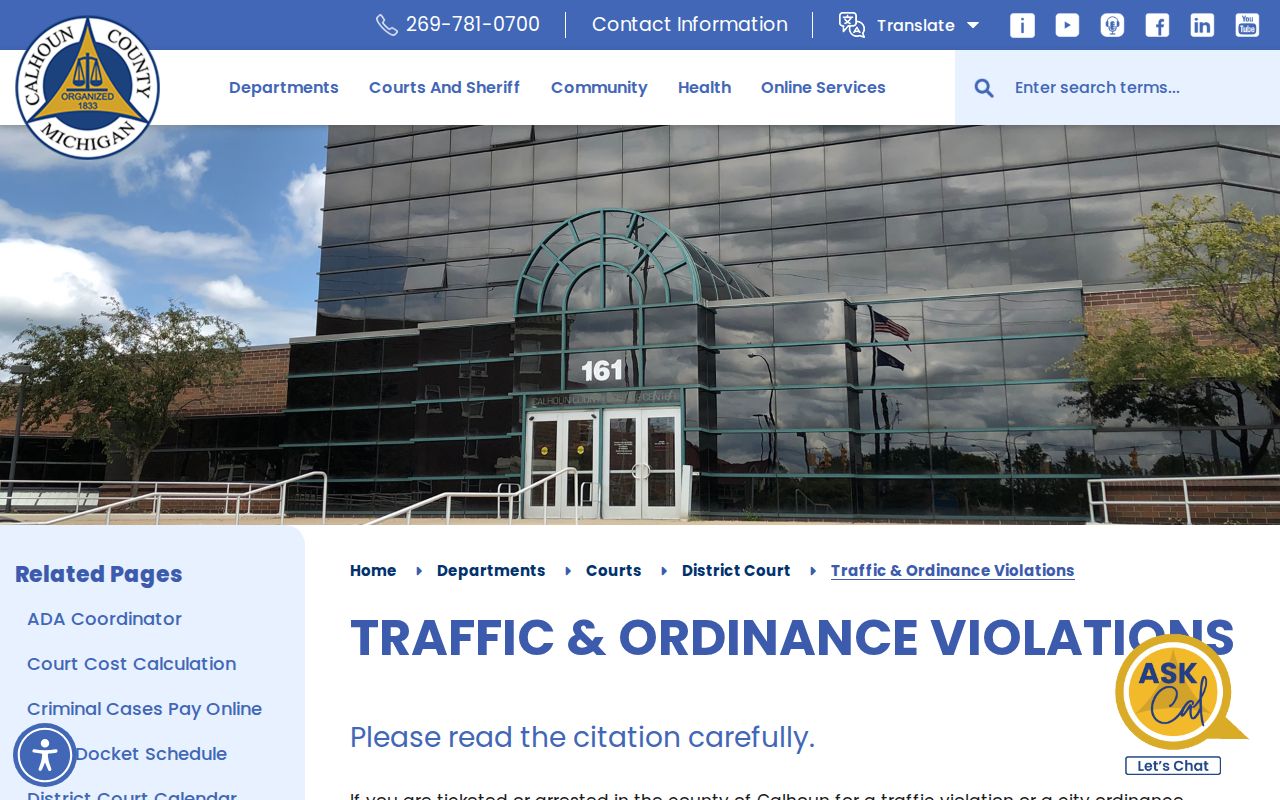
Those official instructions draw a clean line. Responding to a citation is one thing. Requesting a court copy or a certified court record later is another.
Calhoun Traffic City Citation Route
None of Calhoun County's four incorporated cities runs its own separately identified municipal trial-court docket. So even when a city hands you the citation at first, the court part of the case goes through the D10 route. Battle Creek makes this plain in its official FAQ. It lists animal-control citations and infractions among the matters handled at 10th District Court. That is why a matter can start at a city counter yet appear as a D10 case history.
Marshall offers a second local example. Its parking information says an unpaid parking citation can turn into a ticket issued to the 10th District Court after 30 days. Paying the city is not the same thing as a court filing. City clerk records also stay separate from the court's Register of Actions. Once the matter reaches court, use MiCOURT D10 for the public case history. For the actual court record or a current setting, the clerk remains the office to contact.
After a citation becomes a D10 case, the Calhoun County court dates route lets you compare that case history against the daily schedules. It stays focused on the court date itself. The ticket response, though, must follow the instructions on the current citation and any court notice.
Calhoun Traffic Court Calendar
Want to confirm a D10 traffic setting? Two Calhoun County views work together. Start with the traffic case's MiCOURT Register of Actions. Find the newest hearing or response event. That tells you where the case stands right now. Then open the District daily schedule for the date you need. Follow its CourtDisplay link from there. CourtDisplay lists Party Name, Time, Room, and Case Number when those fields appear on the chosen schedule.
Treat a calendar row as a snapshot, not the whole traffic record. It won't show your full citation response or every filed document. A missing row can mean you navigated to the wrong date. It can also mean a different judge or court context applies, or that the hearing was later reset. If the date matters soon, call D10 with your Calhoun County case number. Confirm the current setting before you appear.